Nested Overrides
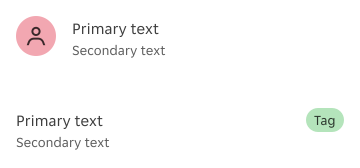
Nested component overrides allow designers to adjust specific aspects of nested elements within components.
Overview
Nested component overrides offer designers the flexibility to adapt components based on specific design needs while maintaining overall system consistency. Overrides ensure that nested elements support their parent components without disrupting the design language.

Types of overrides
Overrides are useful when adjusting nested components to ensure they align with different design contexts while maintaining visual and functional consistency. These overrides typically apply to the following areas:
Variant override
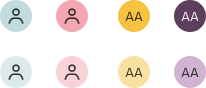
Nested elements can be adjusted to different types, styles or colours to match the context.
Size override
Nested components can be resized to create a clear hierarchy within the component.

Alignment override
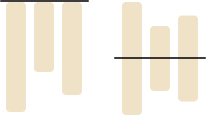
Vertical alignment can be adjusted to improve layout balance.
Typography styling
Body content styling can be modified to enhance readability.

Override summary
| Example | Component/Element | Variant override | Size override | Alignment override |
|---|---|---|---|---|
| Visually supportive nested elements |
| Yes | No | No |
| Bulk quantity nested components |
| Yes | No | No |
| Nested actions in full-page overlay components |
| Yes | Yes | No |
| Nested actions in non-full-page overlay components |
| No | Yes Only decrease in size | No |
| Nested actions with specific purpose |
| No | No | No |
| Alignment with leading and trailing content |
| No | No | Yes |
Variant overrides
Visually supportive nested elements
Within a larger component, nested elements such as tags, avatars and icons often serve as visual support.
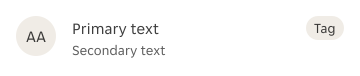

Overrides help in colour and style adjustments to match the parent component's theme and ensuring contrast and readability across different design contexts. Size should remain consistent to maintain visual balance and avoid disrupting the component’s proportions.
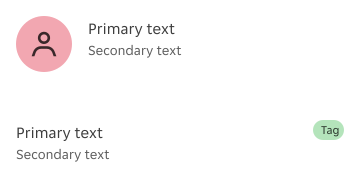
Nested components can be changed to different variants and styles.
Nested components cannot be increased or decreased in size.
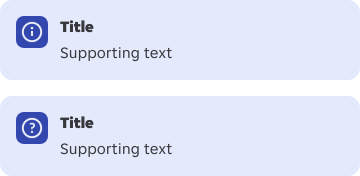

Icons can be changed to a different one as long as it fits the context.
Icons cannot be increased or decreased in size.
Bulk quantity nested components
Components that contain bulk quantity nested components, such as data tables, often include buttons, icons, and other interactive elements. These nested components can be overridden to provide designers with more flexibility while maintaining usability.
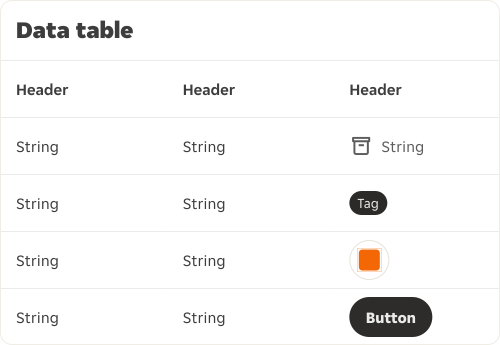
Variants can be adjusted to better support the data table’s structure and hierarchy. However, size adjustments are not recommended, as they can disrupt consistency, affect spacing, and impact the overall usability of the table layout.
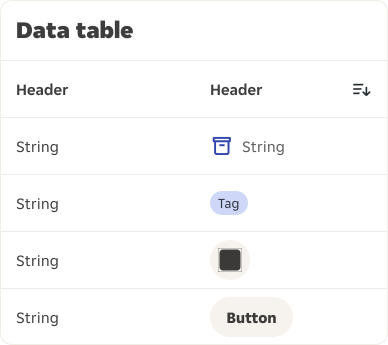
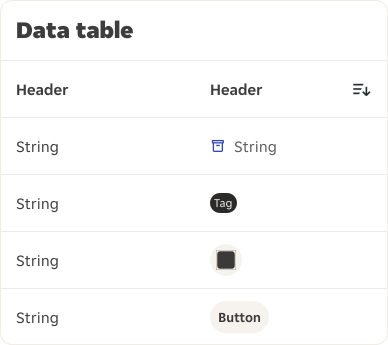
Nested components can be adjusted to different variants.
Nested components cannot be increased or decreased in size.
Size and variant overrides
Nested actions in full-page overlay components
Bulk action buttons, such as those in full-page overlays (e.g., modals, bottom sheets, date pickers), may need adjustments to ensure they are usable and consistent across various layouts and screen sizes.
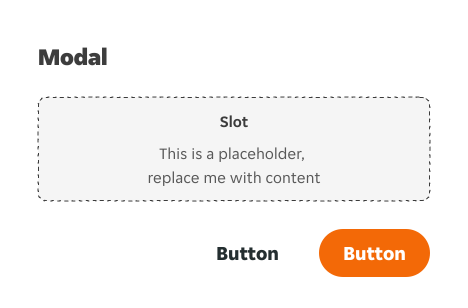
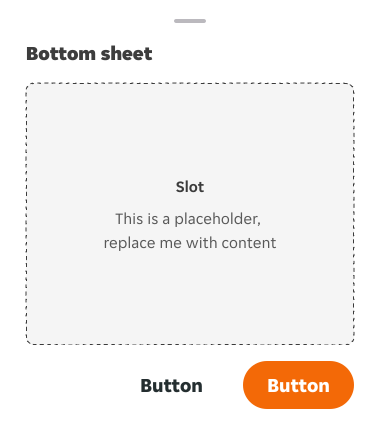
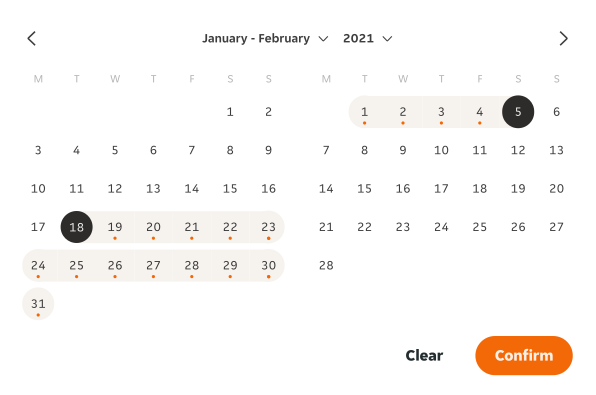
Overrides help in scaling button sizes to fit within bulk action toolbars or containers, ensuring they are proportionate and visually balanced. Style can be adjusted to any variant, as long as it aligns with the visual hierarchy. Ensure primary actions are more prominent than secondary actions.
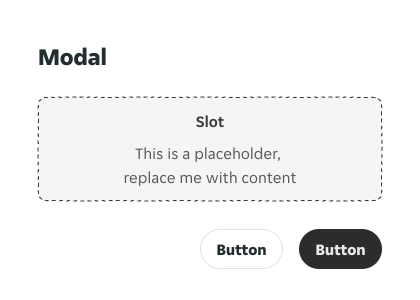
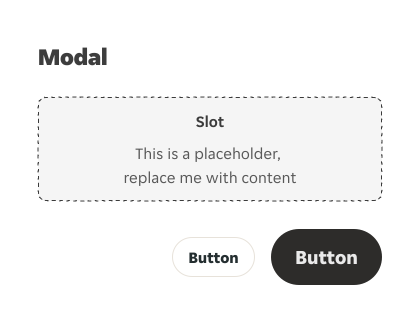
Nested actions in full-page overlay components can be adjusted to different sizes, but all actions within the same set must maintain a consistent size.
Nested actions cannot have different sizes individually within the same component.
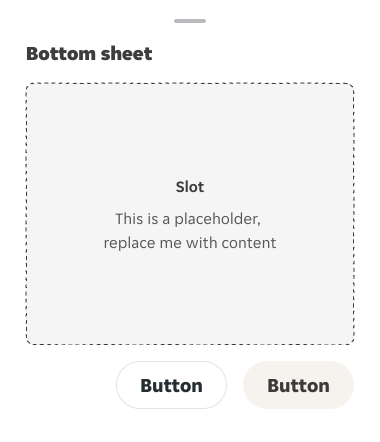
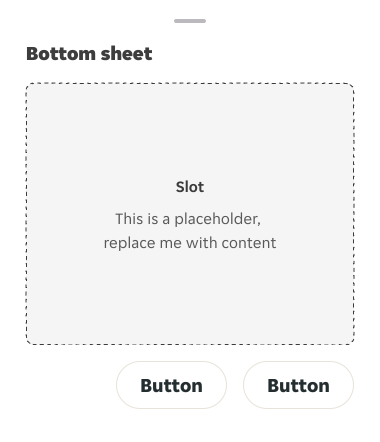
Nested actions in full-page overlay components can be adjusted to different variants. However, the primary action must always be more prominent than secondary actions.
Nested actions can't use the same variant for both primary and secondary actions, nor should the primary action be less prominent than the secondary action.
Size overrides only
Nested actions in non-full-page overlay components
Action buttons within non-full-page overlays components (e.g. notifications, uploaders) may need size adjustments to ensure they match the overall layout and user expectations.

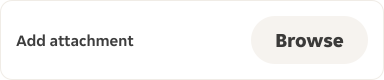
Nested actions can be decreased in size to fit the available space and maintain visual balance. However, the variant should remain unchanged to ensure consistency with the overall visual hierarchy.

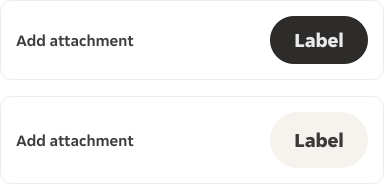
Nested action(s) can be decreased in size.
Nested actions can't be increased in size nor changed to a different variant.

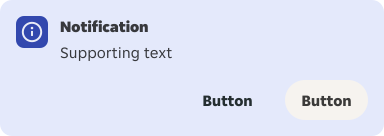
Nested bulk actions can be decreased in size.
Nested bulk actions cannot be increased in size nor changed to a different variant.
Alignment overrides
By default, content within components is top-aligned. However, certain nested elements may require vertical alignment adjustments to maintain a proper visual hierarchy and ensure balance within the layout.
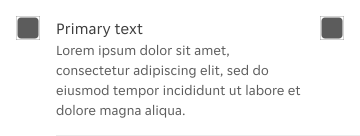
When necessary, content can be center-aligned, ensuring that all elements—including leading and trailing content—are aligned consistently for a cohesive and well-balanced layout.
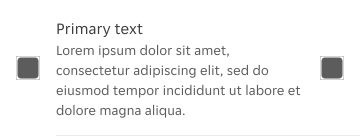
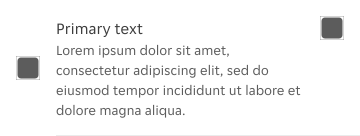
All content within the component should be consistently aligned.
Content within the component should not have mixed alignments.
Restricted overrides
Nested actions with specific purpose
Certain nested actions that serve a specific purpose cannot be overridden. For example, a close button, which is typically a standard icon or action, cannot be overridden in terms of style or size. This ensures functionality is preserved and prevents visual disruption in key interactive elements.


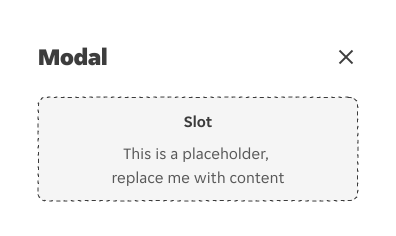


Actions with specific purpose should not be changed to a different variant.
Typography overrides
Typography overrides are useful to tailor text to suit different use cases and visual needs.
Style
Only body text and captions can be styled, e.g. bold or underlined. These changes should be evaluated on a case-by-case basis by the design system team.
Weight
The font weight should remain consistent and cannot be scaled up or down to maintain clarity and visual consistency across all components.